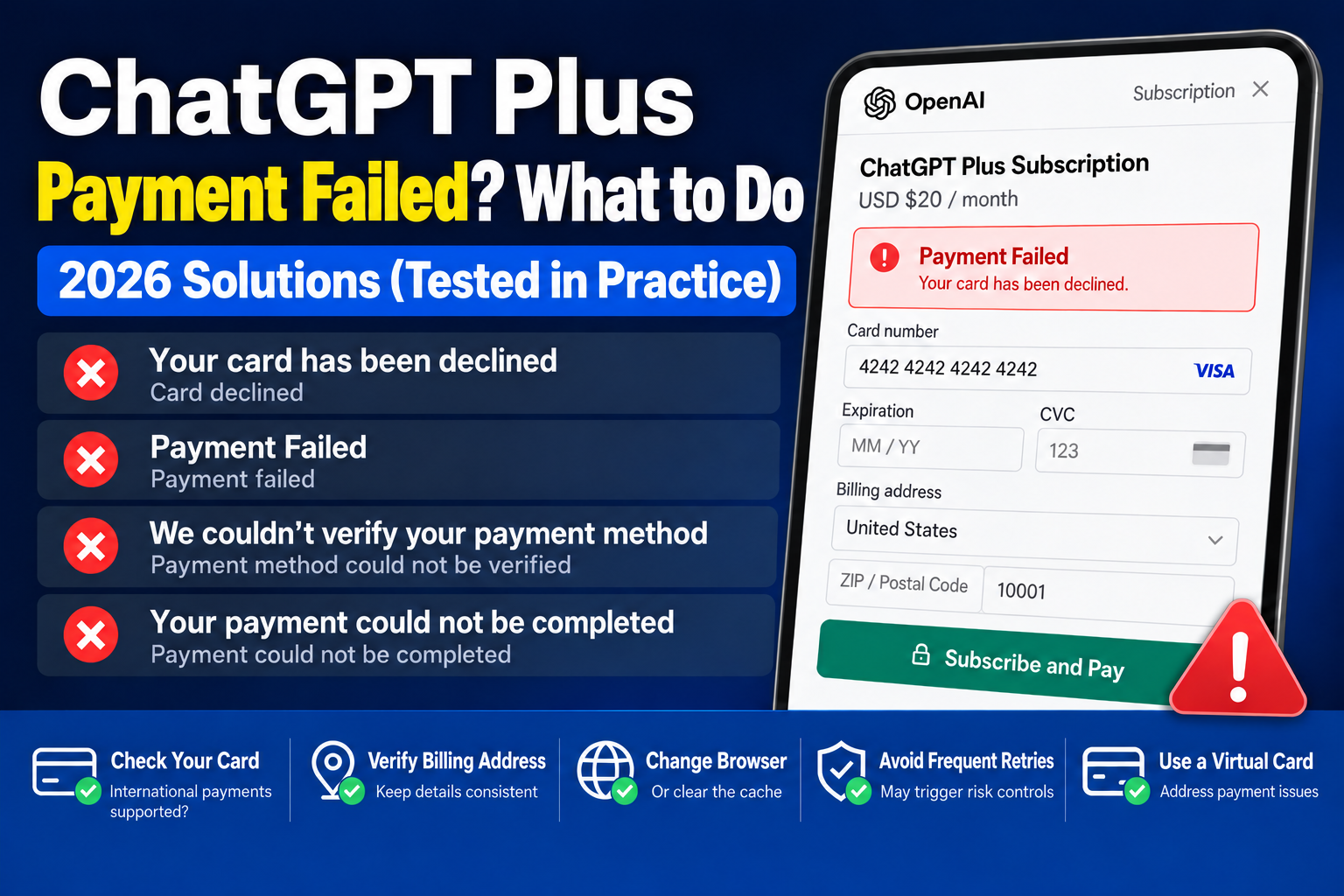
Many users trying to upgrade to ChatGPT Plus get stuck at the final step: payment.
They may see messages such as:
- Your card has been declined
- Payment Failed
- We couldn't verify your payment method
- Your payment could not be completed
- Card declined
- Credit card payment failed
Many online tutorials suggest simply trying another card. After spending a few hours troubleshooting, however, I found that ChatGPT Plus payments can fail for several reasons.
This article walks through my troubleshooting process to help you avoid unnecessary trial and error.
Why do ChatGPT Plus payments fail?
In many cases, the issue is not with ChatGPT itself. Possible causes include the following:
1. Banks restrict international online payments
Many bank cards work for everyday purchases but have the following payment types disabled by default:
- International online payments
- Transactions in USD
- Overseas subscriptions
- Automatic renewal
Even with a sufficient balance, you may therefore see:
Your card has been declined
First, ask the issuing bank whether your card supports international online subscription payments.
2. The billing address is incorrect
Some users enter a billing address without checking it against their bank records.
The following details should match those records:
- Country
- State
- City
- ZIP Code
If the address differs significantly from the issuing bank's records, payment verification may fail.
3. Repeated payment attempts trigger risk checks
Some users click the payment button more than ten times after an initial failure.
The result is:
The first attempt fails;
The second attempt fails;
The third attempt is blocked by a risk check.
After a failed payment, wait before trying again. Avoid submitting the same payment request repeatedly within a short period.
4. The region or payment method is restricted
Paid OpenAI services are available only in supported countries and regions.
A payment may also fail if the account location, network connection, or card issuance region does not meet the requirements.
5. Problems with cached browser data
Many people ignore this reason.
Try the following:
- Use Chrome in incognito mode
- Try Microsoft Edge
- Clear cookies
- Clear browser cache
- Temporarily disable ad-blocking extensions that interfere with checkout
Sometimes switching browsers is enough to resolve a checkout problem.
How can you troubleshoot a failed ChatGPT Plus payment?
Based on my experience, work through these checks in order:
Step 1: Check whether the card supports international payments.
Step 2: Check your billing address.
Step 3: Make sure the balance covers the payment, with some extra money for exchange rate fluctuations.
Step 4: Try another browser or use incognito mode.
Step 5: If your card does not support overseas online subscriptions, consider another bank card or virtual card that supports the intended international payment.
Why do many people choose virtual credit cards?
For users who frequently subscribe to overseas services, virtual credit cards that support international online payments have some advantages:
- Payments through Visa or Mastercard, depending on the card
- Support for some AI tools, overseas software subscriptions, and cross-border purchases
- No need for a physical bank card
- Easier management of subscription costs across platforms
- Less exposure of your primary card details
Not all virtual cards support ChatGPT Plus. Supported uses vary by provider and BIN range, and compatibility is subject to the card issuer's and bank's rules.
ChatGPT Plus Payment Frequently Asked Questions (FAQ)
Q1: Why does payment fail even though my card has enough money?
The card may not support international online payments, overseas subscriptions, or USD transactions. The bank may also have blocked the payment after a risk check.
Q2: What does "Your card has been declined" mean?
It means that the payment was declined by the card issuer, which does not necessarily mean that the balance is insufficient.
Q3: Does "Payment Failed" necessarily mean there is a problem with ChatGPT?
Not necessarily. Your network connection, billing address, card restrictions, or payment risk checks may trigger this message.
Q4: Will trying another card solve the problem?
Not necessarily. What matters is whether the card supports the intended international payment, rather than simply whether it is a different card.
Summary
If the ChatGPT Plus checkout repeatedly displays Payment Failed, Your card has been declined, or Card declined, avoid repeatedly clicking the payment button.
You can often locate the problem faster by checking in the following order:
✅ Check whether your card supports international online payments
✅ Check your billing address
✅ Try another browser and clear cached data
✅ Avoid repeated attempts that may trigger risk checks
✅ If necessary, choose a bank card or virtual card that supports the intended international payment
If you need a virtual card for cross-border payments such as AI subscriptions or advertising, you can learn more about UeePay. The platform offers several Visa and Mastercard BIN ranges for different international payment uses. Support depends on the specific BIN range and bank rules.
本文由 VCCMap 虚拟卡指南整理,转载请注明出处:https://vccmap.com/en/chatgpt-plus-%e6%94%af%e4%bb%98%e5%a4%b1%e8%b4%a5%e6%80%8e%e4%b9%88%e5%8a%9e%ef%bc%9f2026-%e6%9c%80%e6%96%b0%e8%a7%a3%e5%86%b3%e6%96%b9%e6%b3%95%ef%bc%88your-card-has-been-declined-%e4%ba%b2-3/