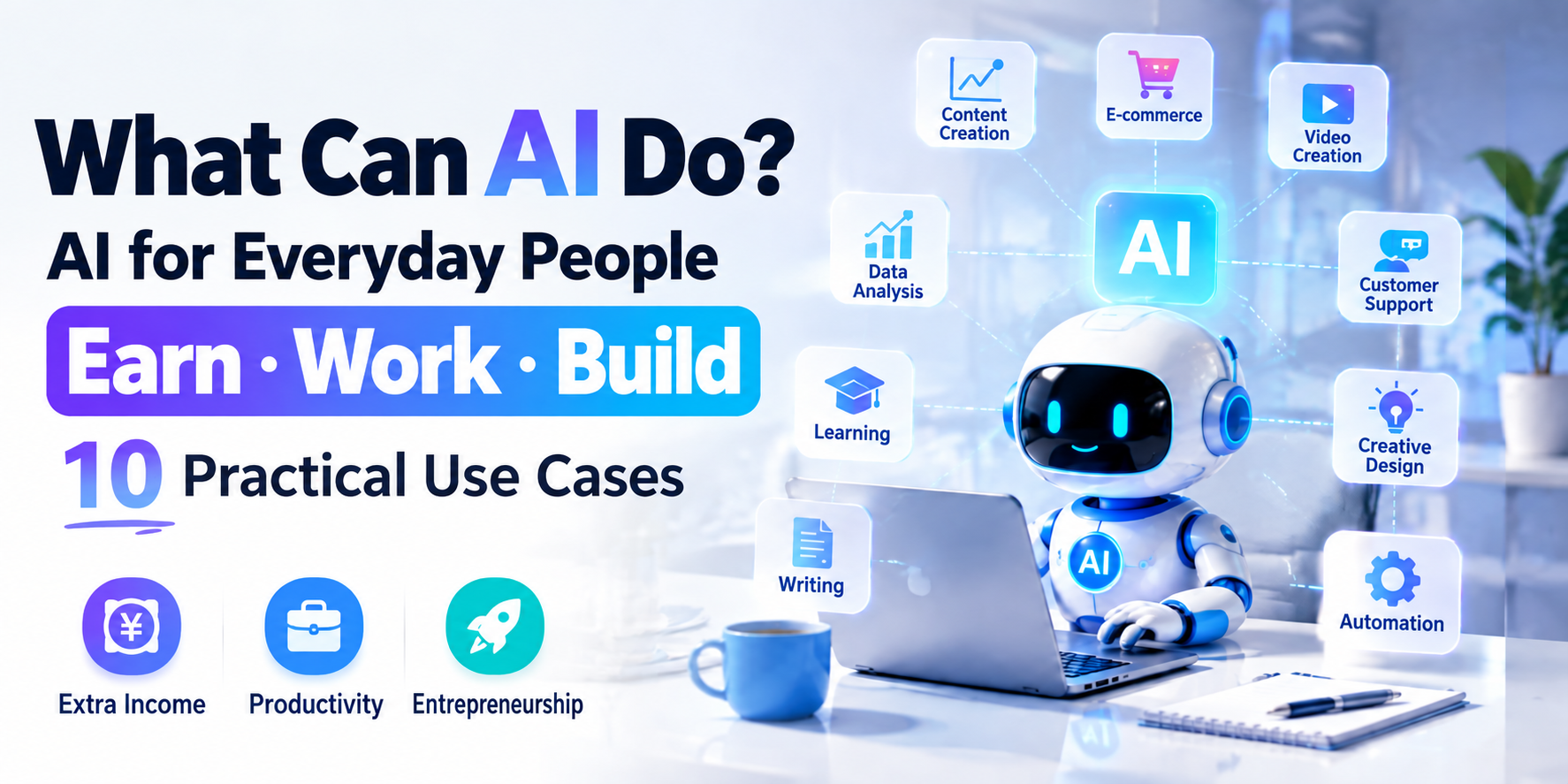
AI can do more than answer questions in a chat window. Used thoughtfully, it can help you draft, organize, design, and solve everyday work problems.
Whether you are an office worker, business owner, content creator, student, or e-commerce seller, start with a task you already understand and check the results before using them.
1. Why Is AI Worth Learning?
AI tools can help individuals handle parts of a workflow that previously required several separate tools or specialists. They still need clear instructions and human review.
For example, running a content account involves editing, design, planning, and copywriting. One person can use AI to support each of these tasks, while remaining responsible for accuracy and quality.
2. Ten Practical Uses for AI
Scenario 1: Writing Articles
If you are unsure how to start an article, AI can help you build an outline and develop a first draft.
- Generate an article outline
- Suggest clearer titles
- Improve grammar and phrasing
- Organize content around relevant search questions
These tasks are useful for public accounts, independent publishers, and company websites. Check facts and sources; AI-generated text does not guarantee better search rankings.
Scenario 2: Creating Images
AI image tools can help produce product promotional graphics, event posters, and social media images. They may reduce the time spent on early design drafts.
Review image quality, brand consistency, and usage rights before publishing. Detailed layouts and text may still need manual editing.
Scenario 3: Planning Short Videos
Choosing a topic, writing a script, and planning the structure can be the hardest parts of making a short video.
- Brainstorm topics for your audience
- Draft video scripts
- Suggest titles
- Refine the structure and wording
Use audience feedback and current research to decide which ideas are relevant. AI suggestions alone do not establish that a topic is popular.
Scenario 4: Supporting Customer Service
Businesses often receive repetitive questions. An AI assistant can draft replies, categorize inquiries, and retrieve approved answers.
This can reduce routine work for staff. Provide a clear route to a human agent for unusual cases, complaints, and questions the system cannot answer reliably.
Scenario 5: Analyzing Markets
Entrepreneurs can use AI to organize information about industry trends, customer needs, competitors, and product positioning.
AI can help summarize research and compare options, but business decisions should rely on verified data rather than unsupported predictions.
Scenario 6: Assisting Sales Teams
- Draft sales pitches
- Prepare answers to common customer questions
- Create follow-up plans
These tools can help salespeople communicate more consistently. Review every message for accuracy and suitability before sending it.
Scenario 7: Learning Languages
AI can support conversation practice, pronunciation feedback where audio features are available, and translation exercises.
It offers a convenient way to practice regularly. For important translations or persistent language errors, seek additional review from a qualified teacher or translator.
Scenario 8: Helping with Programming
AI can generate draft code, explain errors, and suggest improvements. This can make it easier to experiment with a simple website or software project.
Generated code still needs testing. Check security, dependencies, and how the code behaves before putting it into production.
Scenario 9: Exploring Business Ideas
Possible services include AI-assisted content production, design, marketing, and workflow automation.
AI may lower some initial production costs, but a viable business also needs customers, quality control, and a clear service offering. Income is not guaranteed.
Scenario 10: Developing Workplace Skills
Knowing how to use AI can add to your existing professional skills. The useful combination is subject knowledge, sound judgment, and the ability to check a tool's output.
Rather than treating AI as a substitute for expertise, learn where it can help you work more effectively.
3. How to Get Started
Alongside asking “Will AI change my job?”, ask “Which part of my work could I improve with AI?”
- Learn one useful AI feature at a time
- Apply it to a real work problem
- Compare the result with your usual approach
- Keep the methods that save time without reducing quality
Regular practice can help you build confidence as tools evolve. Start with a manageable task, review the output, and use what you learn on the next one.
本文由 VCCMap 虚拟卡指南整理,转载请注明出处:https://vccmap.com/en/%e3%80%8aai%e5%88%b0%e5%ba%95%e6%9c%89%e4%bb%80%e4%b9%88%e7%94%a8%ef%bc%9f%e6%99%ae%e9%80%9a%e4%ba%ba%e5%88%a9%e7%94%a8ai%e8%b5%9a%e9%92%b1%e3%80%81%e5%8a%9e%e5%85%ac%e3%80%81%e5%88%9b%e4%b8%9a-en/