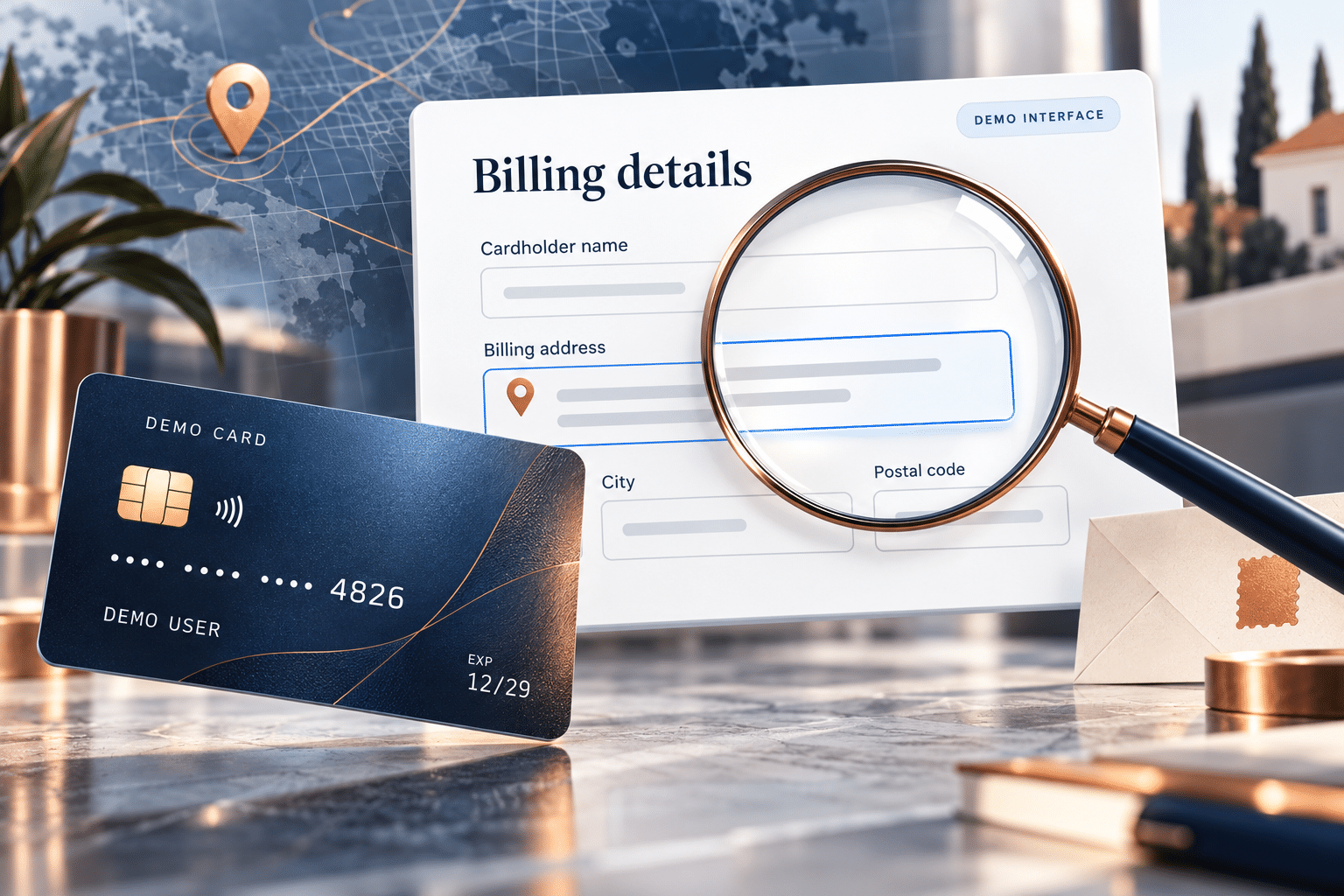
Use the billing name, address, and postal code registered for your virtual card. Find them in the card details or ask the issuer before submitting payment. The card’s issuing country or the bank’s headquarters does not tell you which address to enter.
First, confirm the billing details registered for your card, then follow the merchant’s requirements. If the information is unclear, ask the issuer or card provider. An address found online, or the issuing bank’s headquarters, is not automatically your billing address.
What is a billing address, and how is it different from a shipping address?
A billing address is the address associated with a payment method. A shipping address is where a physical order is delivered. Software subscriptions usually have no shipping step, but checkout can still request billing information.
Your residential address for identity verification, a company’s business address, and the billing address registered for a card serve different purposes. Do not copy one into another field merely because both ask for an address. If a provider asks you to update your actual address or submit supporting documents, use its official process.
For example, Claude’s decline guidance asks customers to check billing-location eligibility and whether the payment method’s address matches the issuer’s records. Claude’s official card-decline guidance
Where should you look for your card’s billing address?
Work through these sources in order:
- Open the card details and look for Billing Address, billing information, or cardholder details.
- Check the provider’s official help center and confirm that its instructions apply to this particular card.
- If no address is displayed, ask support which information is registered and whether it can be changed.
Some services display billing details associated with the card; others require your registered personal or business information. Another customer’s screenshot is not a universal set of instructions for every card.
How to check each checkout field
| Field | Meaning | What to check |
|---|---|---|
| Name on card / Cardholder name | Registered cardholder | Follow the card’s registered details and the merchant’s requirements. For a business card, confirm whether to use a person’s name or the business name. |
| Address line 1 | Main street address | Enter the appropriate street and building information. |
| Address line 2 | Additional address information | Use it for an apartment, suite, or floor. Leave it blank if it is optional and does not apply. |
| City | City or town | Enter the city rather than the state or province. |
| State / Province / Region | Administrative region | Match the address and selected country; choose the correct option in a dropdown. |
| ZIP / Postal code | Postal code for that address | Use the corresponding code and retain leading zeros where required. |
| Country / Region | Billing country or region | Follow the registered payment details and merchant requirements. |
Here is a field-mapping example, without an address that could be mistaken for payment instructions: if your valid billing record contains a street, apartment, city, state or province, postal code, and country, put each component in its corresponding field. Do not paste the entire address into City or enter a province name as the postal code.
If the page accepts only Latin characters, use the English or romanized version corresponding to your registered information. If you do not know which version is registered, ask the provider. The aim is to represent the same information accurately rather than invent a new English address.
Four common mistakes
Using the issuing country as the billing address. A card issued in a particular country does not entitle its holder to use any address there. A BIN lookup also does not provide complete billing details.
Letting the browser fill an outdated address. After a move, card replacement, or business-information update, autofill may still insert an old name or postal code. Review every field before submitting.
Selecting a different location to change the price or tax. Billing information can affect tax calculation. Do not change an address simply to obtain a lower tax amount. Claude also explains that billing location affects taxes on purchases. Claude’s billing address and tax explanation
Assuming a correct address guarantees payment. Address information is one check. Merchant eligibility rules, card type, available funds, and authentication can still affect the transaction.
What if payment is still declined?
Save the exact error and transaction time. Then check whether the merchant accepts the payment method, whether the card has available funds and the necessary transaction permissions, and whether the issuer received an authorization request. If an authentication page failed, use the 3D Secure authentication troubleshooting guide instead of repeatedly changing the address.
You can send the card provider this request:
I attempted a payment with the card ending XXXX at [merchant] on [date, time, and time zone], for [amount and currency]. The page displayed [exact error]. Please confirm the billing name, address, and postal code registered for this card, and whether you received this authorization request. If a decline was recorded, please share the available reason or next steps.
Use the last four digits and a redacted screenshot. Do not send a complete card number, security code, or one-time verification code through ordinary chat.
Frequently asked questions
Does a virtual card always have a US billing address?
No. Check the information registered for that specific card. Its network brand, settlement currency, or BIN country cannot independently determine which address you should enter.
Can I enter any name if the cardholder name is not shown?
Ask the provider first. If its documentation is unclear, confirm the permitted name and format before proceeding.
Will changing the address at the merchant also change it with the card provider?
Do not assume that the records synchronize. Check both after a change. Ask the merchant separately about correcting an invoice that has already been issued.
If you have not yet checked a card’s costs, regions, and intended uses, start with the virtual card selection guide. Establishing the source of your address and matching each field gives you a clearer starting point than trying multiple unrelated addresses.
Sources checked on November 2, 2026. Follow the issuer’s and merchant’s current requirements for your specific payment.
Prepared by VCCMap. Please credit the source when republishing:https://vccmap.com/en/virtual-card-billing-address-en/