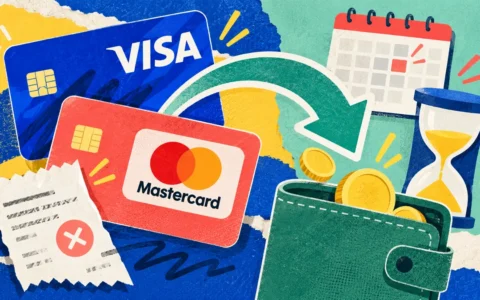
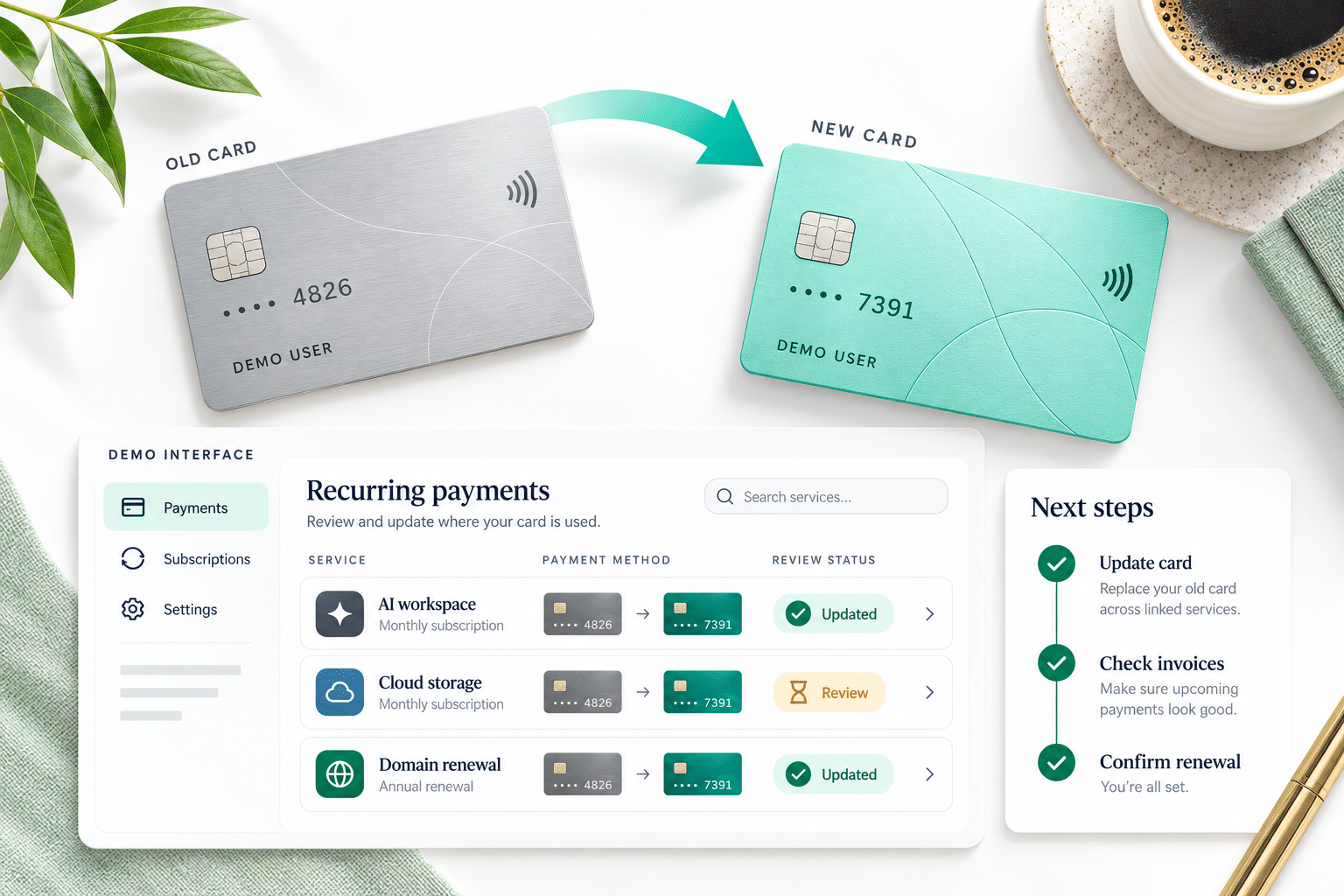
You have replaced a virtual card. Do you also need to update your AI memberships, cloud services, and domain renewals? Will closing the old card automatically stop every charge?
Review and update the payment method for each subscription you want to keep. Cancel services you no longer want through the merchant or original purchase channel. After replacing the card, check unpaid invoices and the next renewal. Getting a replacement card does not automatically update your subscriptions.
Why can some subscriptions continue charging after a card changes?
Some participating issuers and merchants can exchange updated card details through account-updating services. Visa Account Updater provides this capability for eligible stored-card and recurring-payment arrangements, among other uses. Visa Account Updater documentation
Some subscriptions may therefore continue after card information changes. That does not mean every virtual card and merchant supports automatic updates. Confirm participation and behavior with the issuer and merchant.
There are two things to check: confirm that the new payment method is set up for future renewals of services you want to keep, and complete cancellation for services you want to stop. Card replacement is not a universal cancellation method.
Start with a list of services linked to the old card
Review card transactions, receipt emails, and subscription pages. Include both monthly and annual services. Looking only at the last month could miss a domain or software renewal charged once a year.
Use this structure:
| Service | Purchase channel and account | Next billing date | Old card (last four digits) | Decision | Verification |
|---|---|---|---|---|---|
| AI tool A | Website / account A | Copy from account | XXXX | Keep and update | To check |
| Design tool B | App store / account B | Copy from account | XXXX | Cancel | Save cancellation confirmation |
| Domain service C | Website / business account | Copy from account | XXXX | Keep and update | Confirm default card |
Do not put complete card numbers, security codes, or login passwords in this list. For a team, record who can edit billing settings and who is responsible for checking the next payment.
Keeping a subscription: update it in this order
1. Open the original purchase channel and check the account
Use the billing or subscription page after signing in to the official website. For app-store purchases, check the relevant store’s payment settings and orders. Confirm the account that owns the subscription before adding a card to a different, unused account.
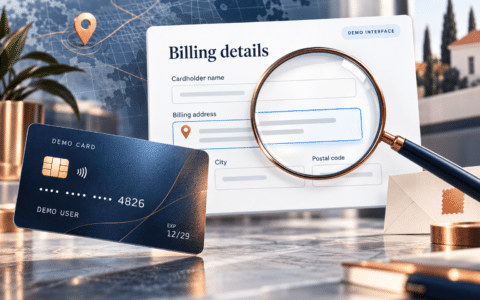
2. Add the new card and verify its name and address
Review the new expiration date and billing details. Do not assume the old card’s address applies to the replacement. Ask the new provider if the registered information is unclear.
For Claude self-service plans, the official guidance explains that the billing address is linked to the payment method, so review the address when changing payment details. Claude’s billing address explanation
3. Check which card the current subscription actually uses
A new card appearing in the account does not necessarily mean it will pay for the current subscription. Check whether you must make it the default or assign it to a particular subscription. Follow the merchant’s instructions, since settings vary.
4. Deal with failed invoices separately
If a renewal failed before the card change, check whether the unpaid invoice needs a manual payment or is awaiting a retry. Do not buy a second membership simply to replace an unresolved order.
5. Save the result and check the next cycle
Record the new card’s last four digits, the update time, the next billing date, and the current invoice status. After the first renewal with the new card, confirm that the charge and service access match.
No longer using a service? Cancel and check the effective date
After canceling through the original purchase channel, review the end date, any remaining invoices, and the confirmation email. Save a screenshot or confirmation reference for later queries.
Deleting a payment card, freezing it, or leaving it without funds is not a substitute for subscription management. Changing a card also does not erase charges already owed. Payment obligations and refund eligibility depend on the order and merchant terms.
When can you close the old card?
Before a routine closure, check that:
- Subscriptions you want to keep have updated payment details and confirmed renewal settings.
- You have cancellation confirmation for services you no longer need and have verified when each cancellation takes effect.
- Pending authorizations, unpaid invoices, and disputed orders have documented next steps.
- If refunds are in progress, the provider has explained how to receive and trace them after closure.
- You have saved the old card’s transaction records and relevant evidence as needed.
This checklist is for an ordinary replacement. If you find unauthorized charges or a card-data leak, freeze or report the card immediately through official channels and contact the issuer. Do not delay protection while migrating subscriptions.
Frequently asked questions
Should I check subscriptions if only the expiration date changed?
Yes. Some merchants may receive the updated information; others may require action. Check the subscription page rather than assuming it has updated.
Will a card from a different provider take over automatically?
Do not assume so. Treat a separately opened card as a new payment method and update each service you want to keep.
What if a charge appears after the old card was closed?
Check the transaction date and settlement date first. Ask whether it relates to a pre-closure transaction, a recurring payment, or another order. Keep the merchant name, amount, and last four digits, and ask the issuer to trace it. Report unfamiliar transactions promptly through its unauthorized-transaction process.
Do I have to subscribe again after updating my card?
Check the existing subscription and unpaid invoices first. Follow the merchant’s instructions on paying an invoice, retrying, or restarting a subscription to avoid duplicate purchases.
If you are comparing replacement cards by cost, supported regions, and refund arrangements, read the virtual card selection guide. During a replacement, keep your subscription list, cancellation confirmations, and the first payment record from the new card.
Sources checked on November 2, 2026. Account updates, card closure, and refunds depend on the actual issuer, provider, and merchant arrangements.
Prepared by VCCMap. Please credit the source when republishing:https://vccmap.com/en/virtual-card-replacement-subscriptions-en/