Start in YouTube Purchases and memberships. Check whether you are making your first payment, renewing an existing membership, or missing Premium benefits after a charge. If your receipt shows Apple or another billing provider, manage the payment through that provider.
If your first payment was declined
Check whether Premium is available where you live, then select your country in YouTube’s list of accepted payment methods. Some markets require a locally issued payment method. Supported locations · Accepted payment methods
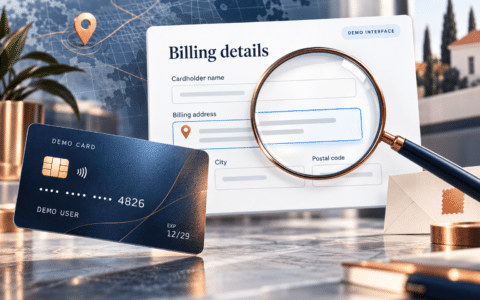
Confirm the expiry date, billing address and postal code, available balance, and any verification request. If your issuer sees the attempt, give it the merchant name, date, amount, and currency and ask why the charge was declined. YouTube’s first-payment troubleshooting
If a renewal payment failed
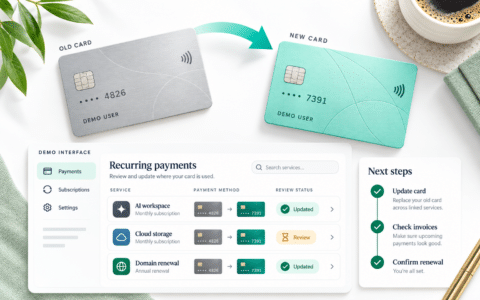
Find the existing membership and update its payment method. Check whether the saved card expired or was replaced and whether the issuer allows recurring charges. If YouTube bills you directly, check your membership status after its next payment attempt. YouTube’s billing and renewal help
If you were charged but Premium is missing
Compare the bank entry with your receipt and payment history. If the charge is pending, confirm its status before attempting another purchase. If it settled, check the Google account shown on the receipt and contact the company that billed you.
Can you pay with a virtual card?
Check that your market and billing channel accept the card type and issuing country. For monthly renewals, also confirm that the card is reusable and its issuer allows recurring charges. Virtual cards for subscriptions · Compare virtual cards
Prepared by VCCMap. Please credit the source when republishing:https://vccmap.com/en/what-should-i-do-if-my-youtube-premium-payment-fails-first-time-subscription-renewal-and-virtual-card-troubleshooting/