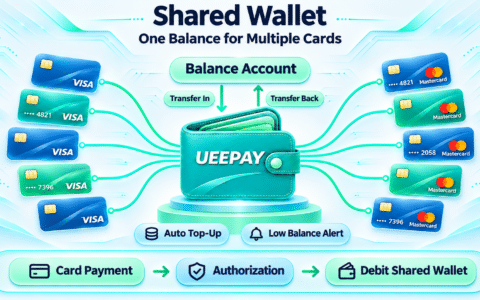
Choose a reusable virtual card whose issuer supports recurring charges. Before adding money, verify that the merchant accepts the card type and issuing country for your account. The first payment can succeed while the next one fails if the card expires, the balance changes, or the saved card is replaced.
Check the merchant and billing channel
For YouTube Premium, choose your actual country in YouTube’s accepted payment methods. Some markets require a locally issued payment method. Check the receipt or checkout page to see who handles billing. If the charge failed, follow our YouTube Premium payment troubleshooting guide. For ChatGPT Plus, check OpenAI’s card decline guidance for current issuing-region and billing requirements. Confirm recurring payments with the issuer separately.
Use a card number that can stay on file
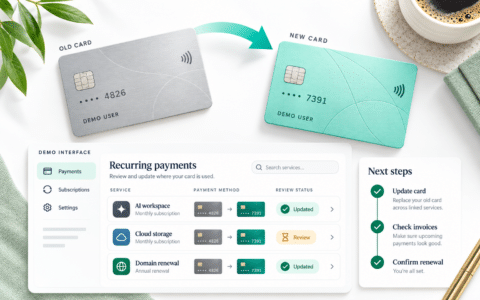
Pick a reusable card and check that the provider lets you keep the card active through the next billing date. Some products refresh their card number after each purchase, which makes them unsuitable for a merchant that will charge the saved card again. If you replace an existing card, update the billing method at each merchant and check the next invoice. How to update subscriptions after replacing a card
Compare the first month and the full year
Compare quotes in one currency. Add setup fees once, then include maintenance, funding and conversion charges for each billing cycle. For example, a monthly bill of 20, a setup fee of 1, and a 1% funding fee charged on top give a first month of 21.20 and a first year of 243.40, assuming no other charges. Ask about minimum funding or per-transaction fees before using the same calculation for your own quote. Use the virtual card fee calculator. English fee comparison
If renewal fails
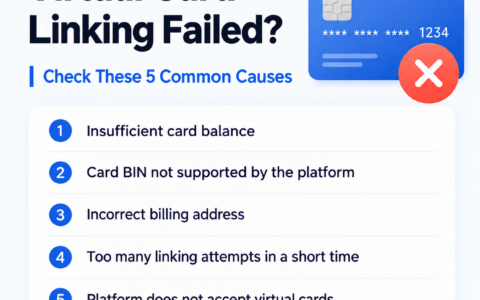
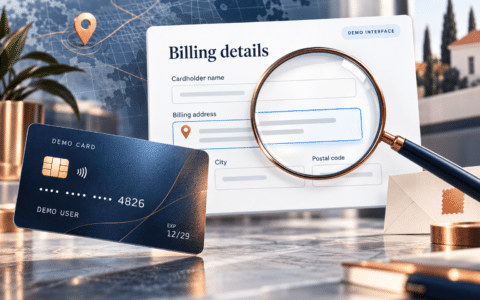
If checkout flags the billing address or postal code, use the virtual card billing address guide to check each field against the issuer’s records.
Open the merchant’s billing page and check the invoice amount, saved card, and any verification notice. If the issuer recorded a decline, give it the merchant name, date, amount, and currency and ask what blocked the charge. Renewal troubleshooting
Compare virtual cards by country and use case.
Prepared by VCCMap. Please credit the source when republishing:https://vccmap.com/en/virtual-cards-for-subscriptions/