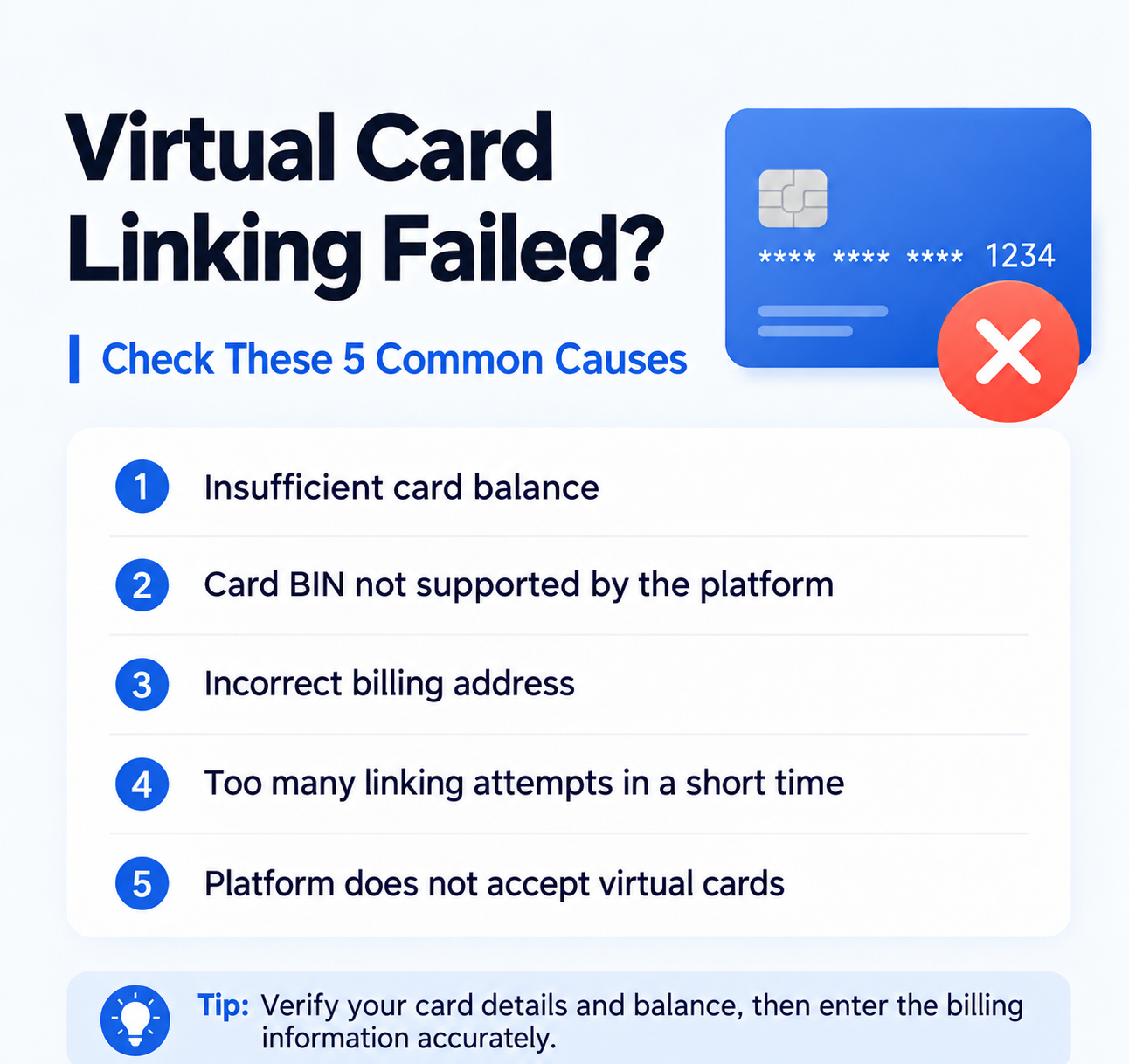
Failed attempts to link a virtual card are common, but there is no need to switch providers immediately. Basic troubleshooting may reveal the cause: an insufficient balance, an incorrect billing address, platform restrictions, or an inconsistent login environment.
Troubleshooting principle: Check the details you can control before concluding that the card is the problem. Record the error message, platform, amount, and time of each failed attempt so that you can investigate it later.
Step 1: Check that your balance is sufficient
Do not check only the subscription price. Some platforms first place a small verification charge on the card. Leave a small balance buffer above the purchase amount.
Step 2: Check your billing address
Check the billing country, city, postal code, and name against the card provider’s requirements. Incorrect or mismatched billing information may be rejected.
Step 3: Confirm that the platform accepts your card type
Some platforms restrict prepaid cards, virtual cards, or particular BIN ranges. A functioning card may still be rejected under the platform’s payment policies.
Step 4: Check your login environment
Frequently switching IP addresses, devices, or regions before linking a card may trigger risk checks. Keep your login environment consistent before subscribing.
Step 5: Avoid repeated retries
Repeated attempts after consecutive failures are unlikely to help. Pause, check your information, and investigate the cause before trying again.
Step 6: Choose a card suited to your use case
If the details are correct, consider whether a different card is suitable for the platform and your intended use, such as AI subscriptions, advertising, or business purchases.
UeePay card opening offer: This article lists a card opening fee of $1 and a funding fee of 1% through the VCCMap referral link. Confirm the current fees and eligibility with the provider before paying. Start with a small test amount, and increase your budget only after confirming that the target platform accepts the payment.
If failures persist, read What Is a Virtual Card BIN? and the Virtual Card Risk-Control Checklist.
本文由 VCCMap 虚拟卡指南整理,转载请注明出处:https://vccmap.com/en/%e8%99%9a%e6%8b%9f%e5%8d%a1%e7%bb%91%e5%8d%a1%e5%a4%b1%e8%b4%a5%e6%80%8e%e4%b9%88%e5%8a%9e%ef%bc%9f90%e7%9a%84%e4%ba%ba%e9%83%bd%e5%bf%bd%e7%95%a5%e4%ba%86%e8%bf%99%e5%87%a0%e4%b8%aa%e5%8e%9f-3/