
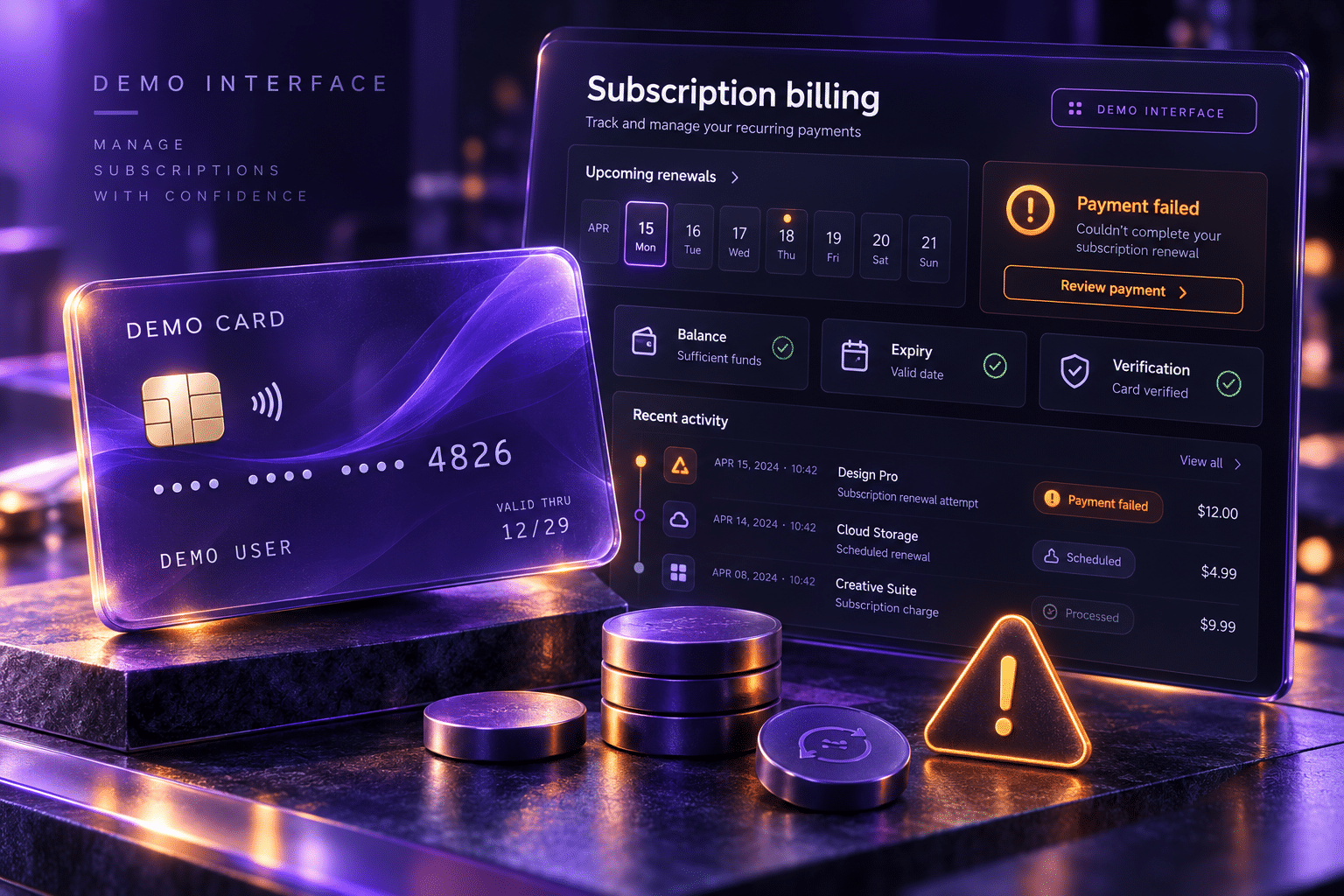
Your AI subscription payment went through last month, but this month’s renewal failed. The card still has an available balance, and its number has not changed. Why would the same card stop working?
A successful first payment confirms that particular transaction. The next billing cycle still depends on the card’s current status, available funds, payment details, and merchant processing. First identify the unpaid invoice and the card involved, then decide whether to add funds, update information, or contact support.
This guide covers automatic renewals after an earlier successful subscription payment. If your very first purchase is declined, check the merchant’s supported locations and payment eligibility first.
Step 1: Identify the subscription that failed
Open the subscription or billing page in the original purchase channel. Record the account, subscription name, amount due, and payment status. Check the renewal email as well to confirm that the billing date has actually arrived.
If you purchased through an app store, start with that store’s orders and subscription records. If you purchased on a website, check its billing page. Avoid immediately buying again through another channel when access disappears: you could create a second subscription before understanding the original order.
Also distinguish between a failed-payment message, a pending card transaction, and a settled charge that has not restored subscription access. Each calls for a different follow-up.
Step 2: Check available funds, not just the account total
A card platform’s account balance, an individual card’s balance, and the amount available to spend may differ. Funds could still be in the platform account, or other transactions could be using part of the card’s available amount.
| Check | What to look for |
|---|---|
| Current amount due | Use the invoice total, including any tax or plan changes. |
| Location of funds | Confirm whether money is in the platform account or assigned to the renewal card. |
| Available amount | Account for pending transactions and other holds. |
| Spending limits | Check per-transaction, daily, and monthly limits. |
| Currency and fees | Check any conversion costs and applicable provider charges. |
For example, if an invoice is $24 and the card has only $22 available, check the invoice even if you remember a subscription list price below $22. These figures are illustrative and do not describe an actual AI service’s price.
Step 3: Check the card and stored payment details
Confirm whether the card expired, was frozen, had online payments disabled, or was reissued. Even if its number stayed the same, an updated expiration date is a reason to review the merchant’s saved information. Stripe identifies expired cards as an issue businesses need to manage for recurring billing. Stripe’s explanation of expired cards and recurring payments
Then review the stored card’s last four digits, the default payment method, billing name, and address. If you recently replaced the card or edited account information, confirm that the changes were saved to the settings used by the current subscription.
If the address is unclear, check the registered card information before trying different addresses. The virtual card selection guide also covers basic region, cost, and merchant-rule checks.
Step 4: Separate invoice issues from authorization issues
Compare the merchant’s billing page with the card’s transaction record:
| What you see | What to check next |
|---|---|
| Merchant shows failure, but no matching card record | Ask the merchant whether a charge was submitted, then ask the issuer whether an authorization exists but is not displayed. |
| Card shows a decline or failed authorization | Ask the issuer or card provider about the reason and transaction permissions. |
| Page requests additional verification | Complete the process through your official account, then check the invoice again. |
| Charge is pending but membership has not returned | Establish whether it is an authorization or a settled payment before paying again. |
| Charge settled but membership is unavailable | Give the merchant the invoice reference and redacted payment evidence to check the account and access. |
The absence of a visible transaction does not establish which party caused the problem. A record may not be displayed, or a request may not have reached the issuer. Confirmation from both sides may be needed.
Claude’s official decline guidance includes funds, billing information, eligible locations, and any required 3DS verification, and recommends asking the issuer about the reason. These are investigation points, rather than a diagnosis that applies to every renewal failure. Claude’s payment troubleshooting guidance
How do you confirm the renewal is fixed?
A message saying that a payment method was saved is not enough. Check whether the current invoice is paid, membership access has returned, and the next renewal date is what you expect.
If the system says it will retry automatically, read the merchant’s timing and instructions first. Retry attempts, grace periods, and access-restoration rules differ. Adding funds does not necessarily restore every subscription immediately.
If you no longer want the service, cancel through the original purchase channel and retain confirmation. An insufficient balance or an expired card is not confirmation that the subscription was canceled.
A support request you can adapt
My [subscription] renewal failed on [date, time, and time zone]. The invoice reference is [reference], the amount is [amount and currency], and the card ends in [XXXX]. The merchant displays [status], while the card record shows [status]. I have checked the balance, expiration date, and billing details. Please help identify the failed step, any pending settlement, and the next action required.
Do not include full card numbers, security codes, or verification codes in ordinary email or chat. Keep the date, amount, last four digits, and status visible in screenshots, while redacting other personal information as appropriate.
Before the next renewal
Keep a subscription list with the purchase channel, renewal date, current card’s last four digits, expected amount, and responsible person. Check the card’s status and available funds a few days before renewal. Set reminders according to funding lead times and how important uninterrupted access is to your work.
A clear invoice record is the most useful starting point. Once you identify the failed payment, work through funds, card status, billing details, and authorization records.
Sources checked on November 2, 2026. This is a general troubleshooting sequence; follow the purchased service’s current retry and subscription rules.
Choosing a card for recurring bills? See virtual cards for subscriptions for merchant eligibility and total cost.
Prepared by VCCMap. Please credit the source when republishing:https://vccmap.com/en/ai-subscription-renewal-failed-en/

